APP → BRIDGE
The BRIDGE app bridges the LIOBOX² and the supported DAWs: Pro Tools, Logic Pro, Cubase and QLab.
These DAWs do not allow scripting like Ableton or Reaper. This companion app allows using all the capabilities of the LIOBOX²: transport functions, playhead position, setlist creation and management, redundancy, and more.
The BRIDGE app uses a combination of native DAW capabilities (MMC and MTC) as well as available APIs.
Essentially, the BRIDGE app relays/converts the commands emitted from the LIOBOX² while providing the LIOBOX² with the DAW information.
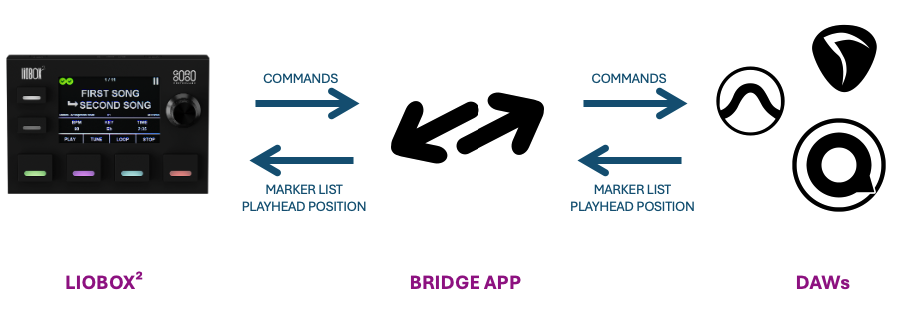
To benefit from the BRIDGE app features when interfacing with a DAW, GoorooLink must be launched. The GoorooLink application can run either in the foreground or in the background, but it must not be exited.
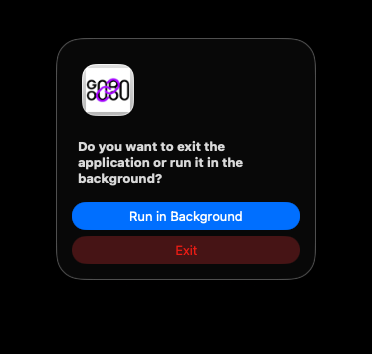
To run the application in the background, quit the application. A dialog asks whether the application should run in the background or exit.
Layout
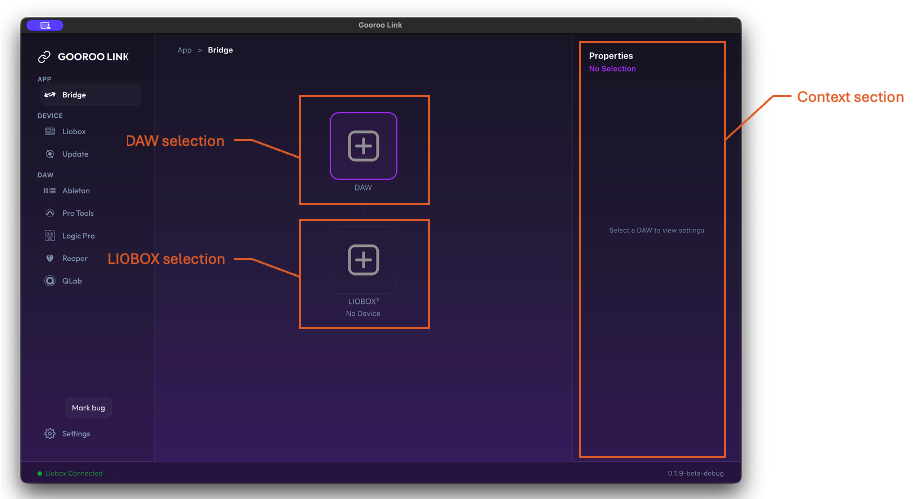
The BRIDGE app is composed of three sections:
- DAW selection
- LIOBOX² selection
- Context section
The context section adapts based on the DAW or LIOBOX² selection.
DAW selection
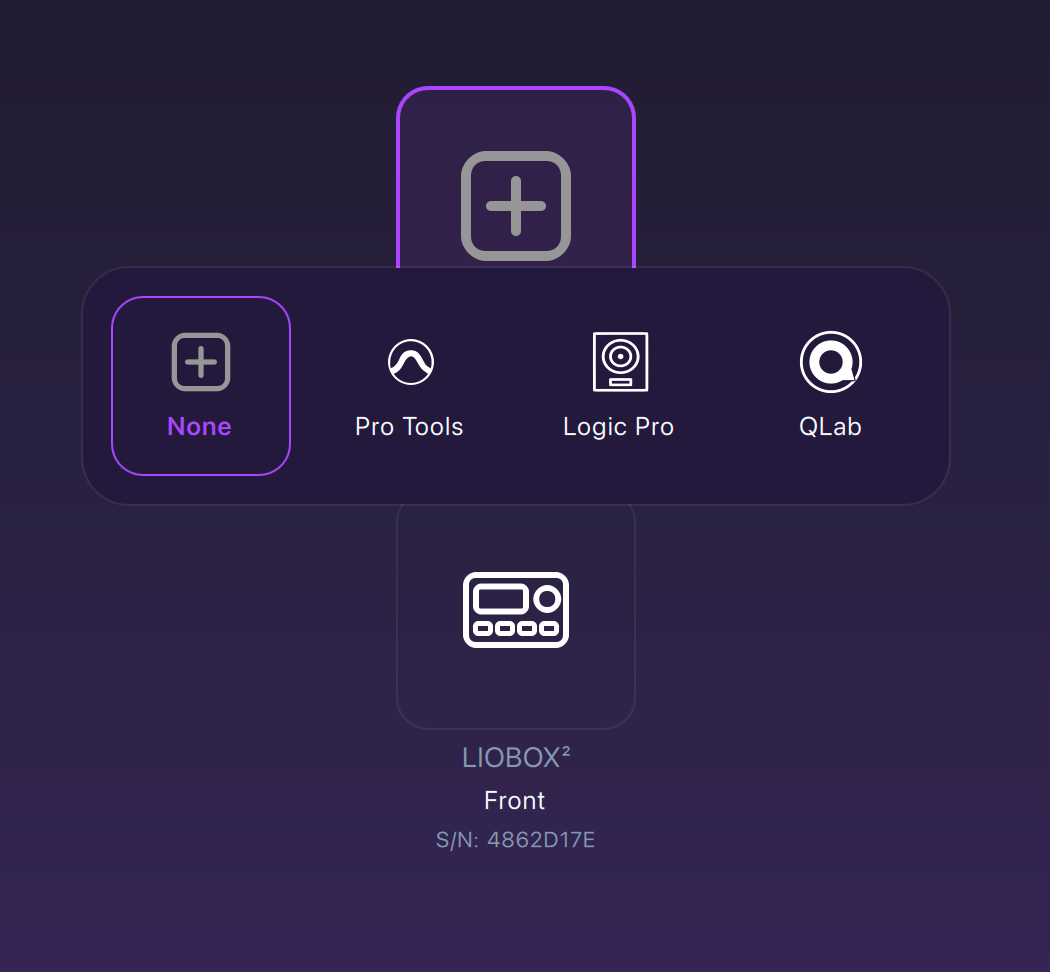
Click the DAW tile to choose the DAW to bridge to the LIOBOX².
LIOBOX selection
The LIOBOX² selection only displays connected LIOBOX².
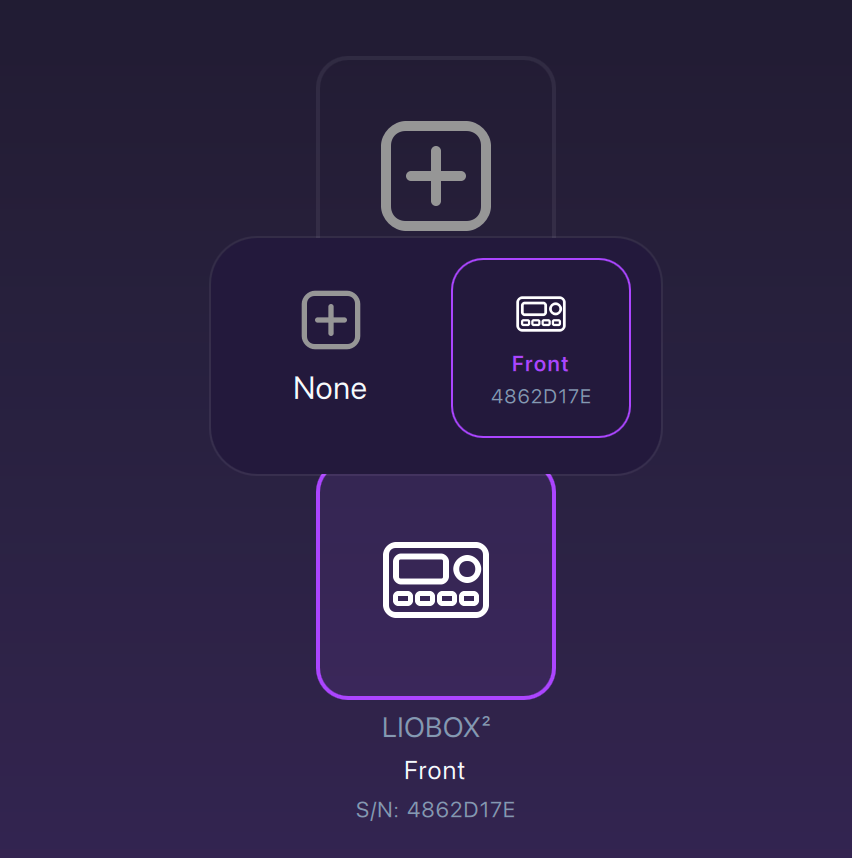
The current version of GoorooLink is optimized for the use of only one connected LIOBOX².
The properties of the selected DAW are displayed in the context section. The BRIDGE app state is displayed next to the BRIDGE menu item.
DAW-specific procedures
The matching DAW-side configuration is described in the LIOBOX² manual: Pro Tools, Logic Pro, QLab and Cubase.